Newsletter Issue 3
This week, I wrote a few guides. I released a new plugin to download captions from YouTube directly into your notes to help you study videos. I also include some productivity tips and fun artwork created by OpenAI’s DALL-E image generation technology.
newsletter-subscribers:: 61 sent-date:: Jun 26th, 2022 start-date:: Jun 23rd, 2022
Summary and Reflection 🤔
This week I wrote a few guides. I released a new plugin to download captions from YouTube directly into your notes to help you study videos. I also include some productivity tips and fun artwork created by OpenAI’s DALL-E image generation technology.
Updates 🆕
get-youtube-subtitles
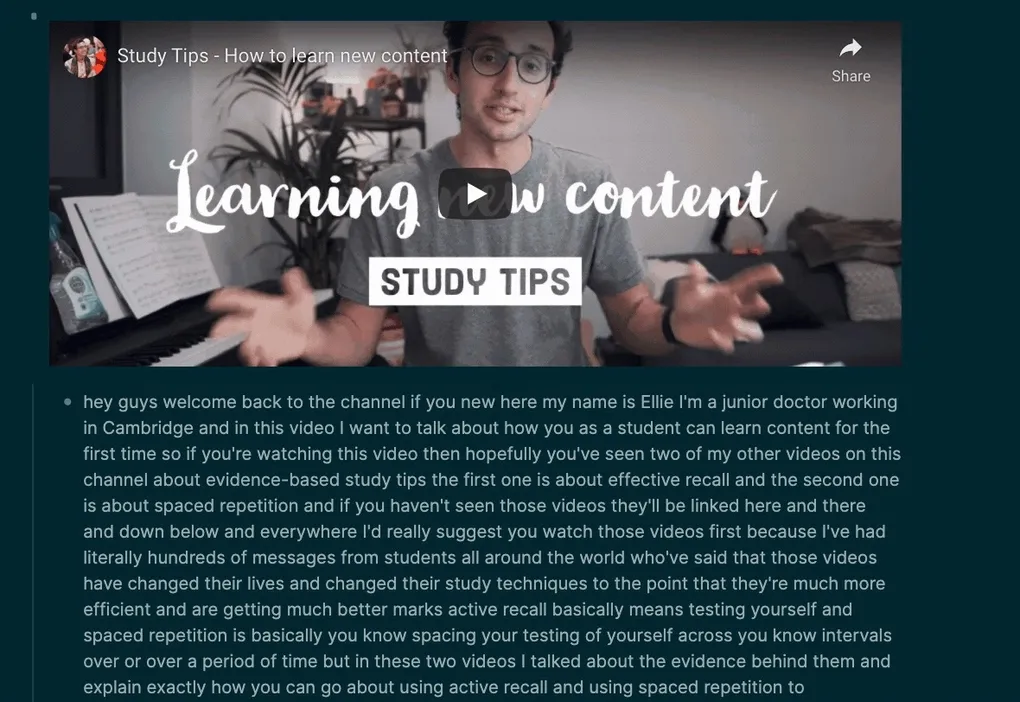
My get-youtube-captions plugin launched in the Logseq marketplace. This tool can pull the captions from a YouTube video into your notes. Just search for “get-youtube-captions” in the Logseq marketplace to install it.
There is a lot of good content on YouTube, but I need help remembering. This plugin helps you study videos and works well for podcasts on YouTube.
The plugin inserts all spoken words from the video as text directly underneath the video link in your notes.

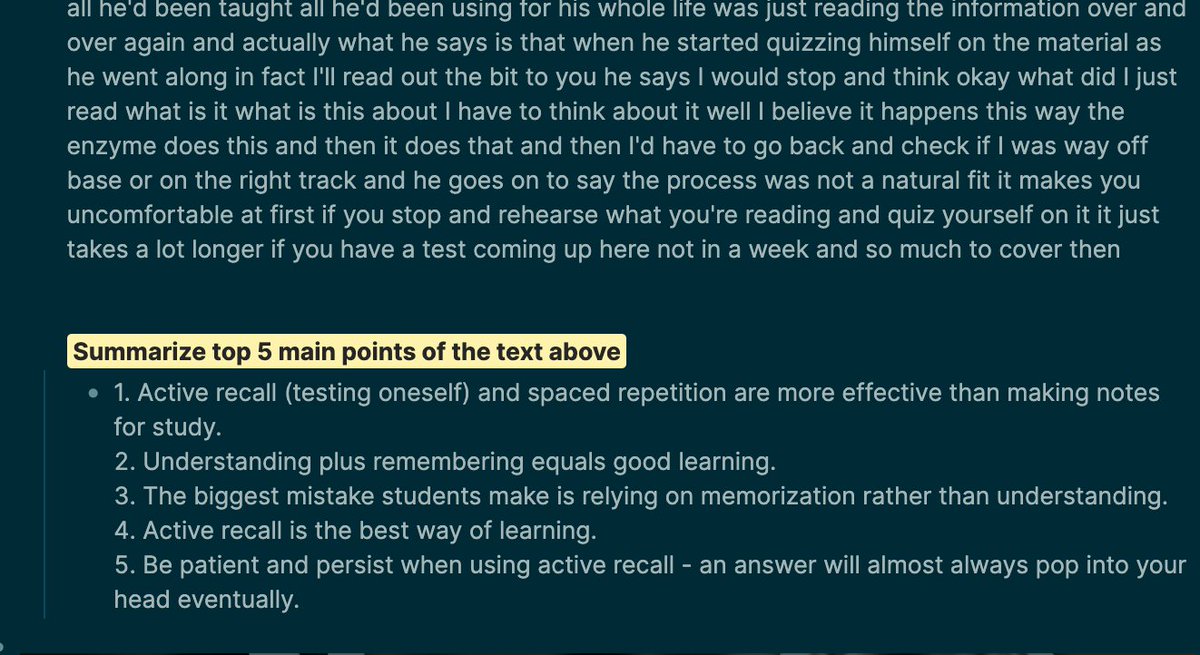
Feeding the captions text into my logseq-openai/project plugin works incredibly well to summarize the video and clean up the wording of the captions. I use it to get a video summary before watching it too.
omnivore-logseq-guide
If you read a lot of content online, you need a “read it app” to save interesting links, then read and highlight everything all at once. Keeping the article for is much more efficient than reading a link as soon as you find it.
I recently discovered a terrific “Read it ” app with a built-in Reader Mode and highlighter called Omnivore.
The Omnivore web app and backend are open-source, so you k you can use it free forever, just like Logseq. Omnivore provides a free hosted option too.
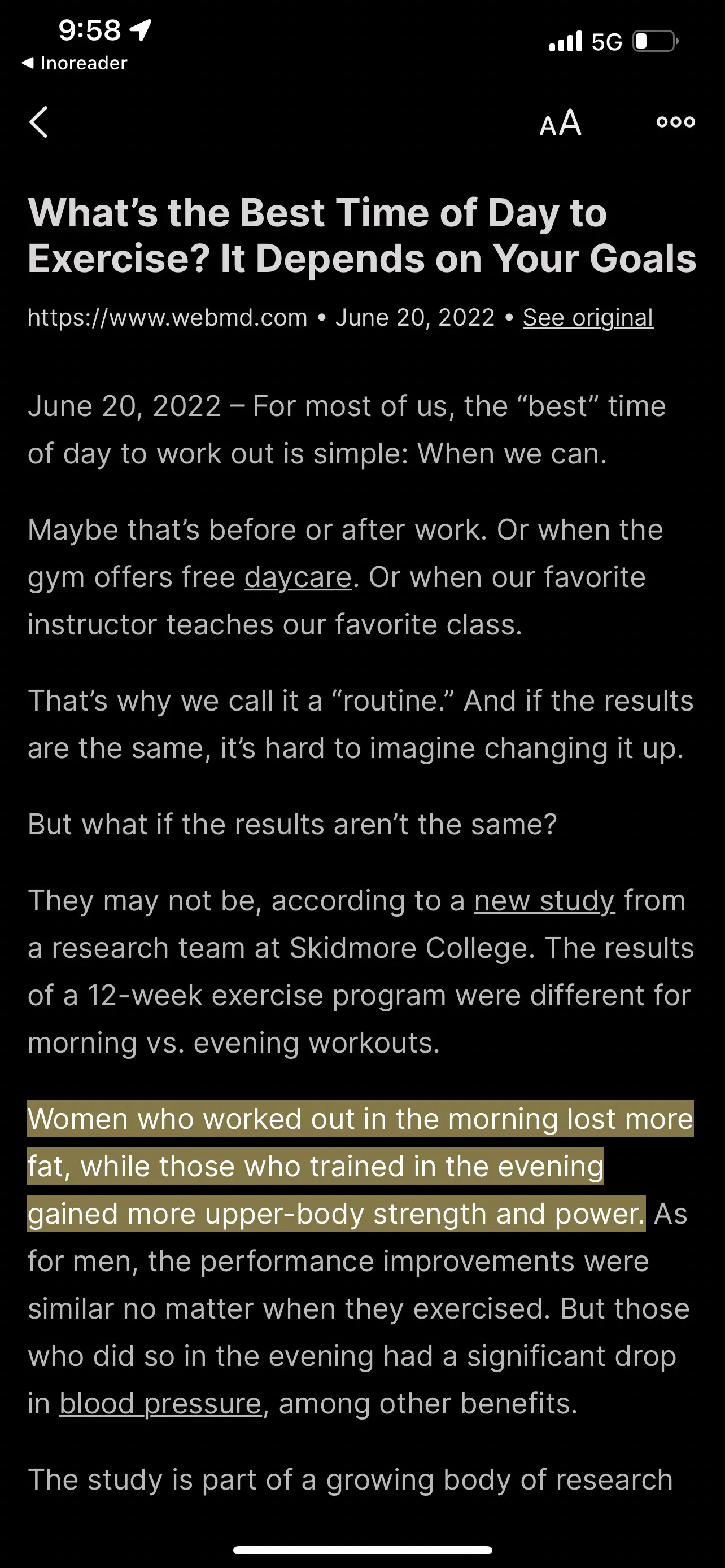
This is a screenshot in the Omnivore reader view with my highlights:
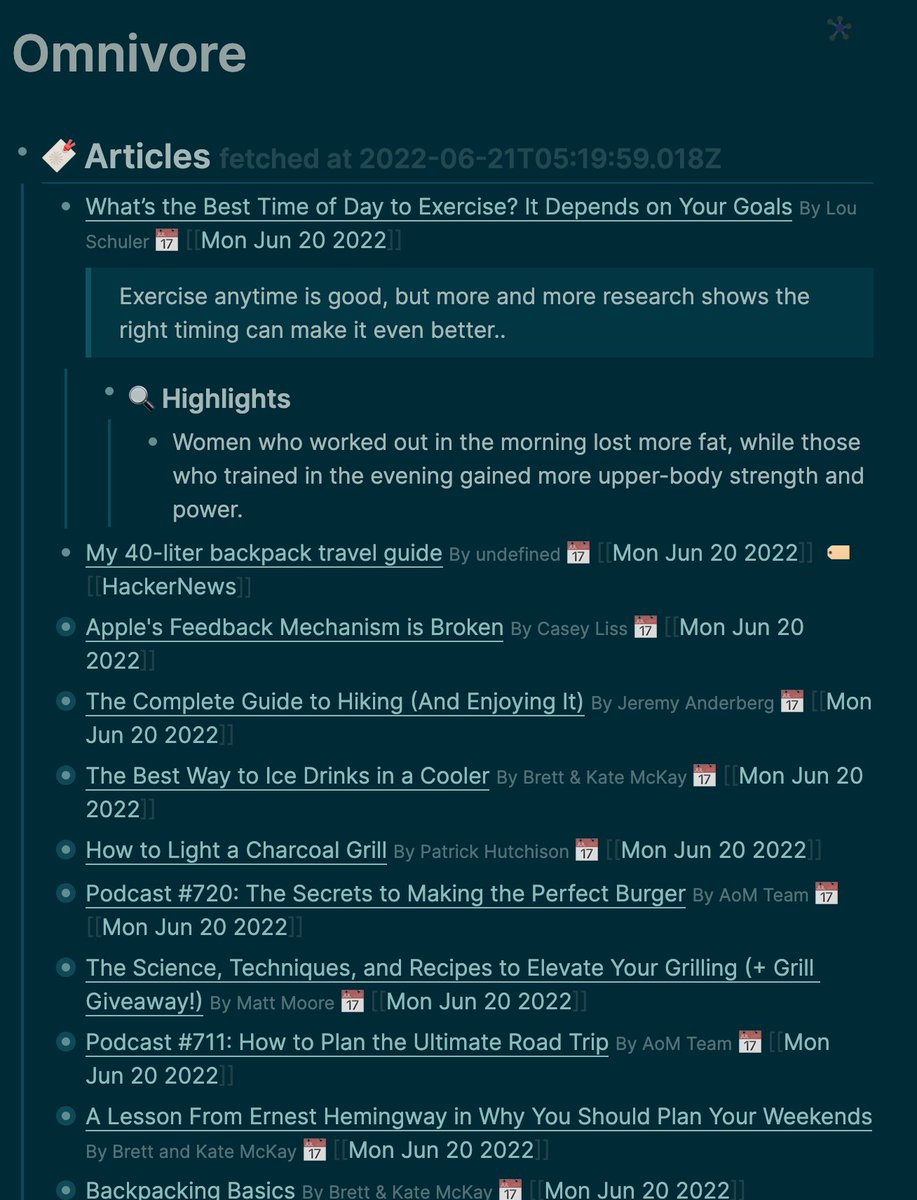
The highlighter in reader mode is essential.
logseq-social
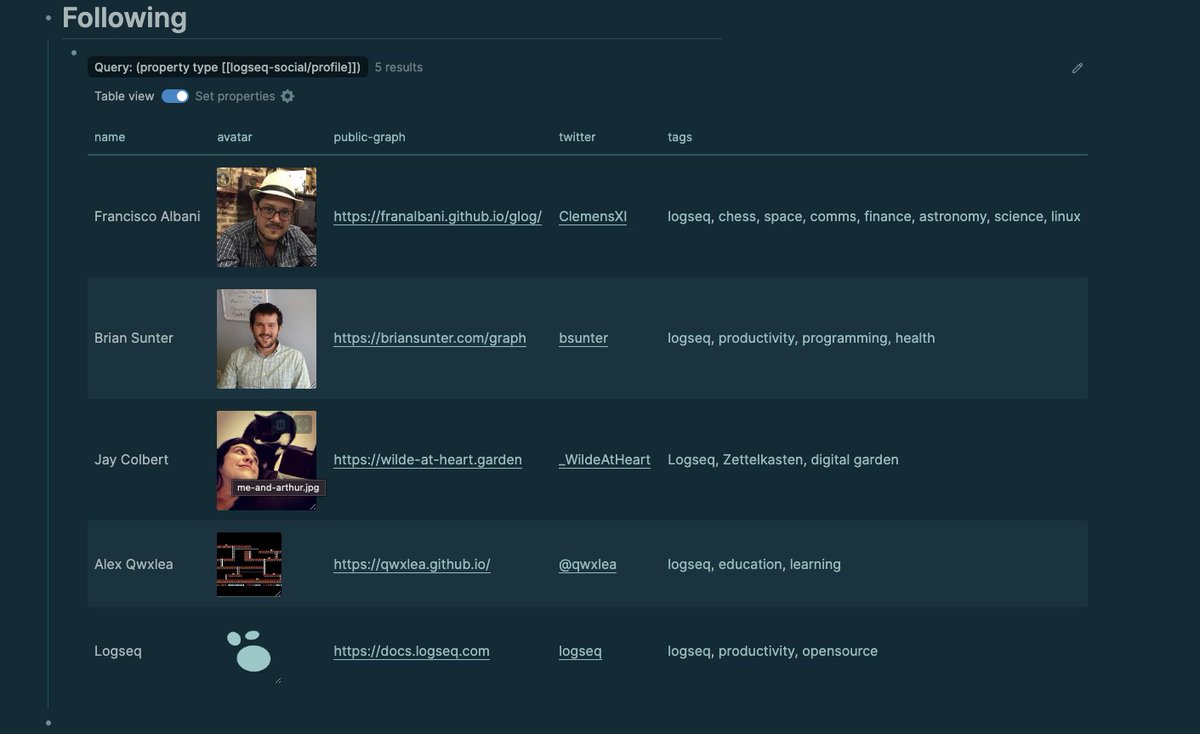
Logseq social was a quick idea I had one night when setting up the about me page on my public graph.
I wanted to make it easier for users to learn about me and showcase other cool graphs on my profile. I also wanted to discover new ones through others’ profiles. I want to create a modern “link ring” or “blog roll.”
My thought process went like this:
I need to set up an about me page for my public graph, so people k who I am
Instead of choosing a random page name, I make a page at a kn location in my graph called [[logseq-social/profile]]
Instead of just writing plain text, I use logseq properties to add a little bit of structure. This means I add properties like
logseq-social/name:: bsunter
logseq-social/public-graph:: https://briansunter.com/graph
This allows me to have a nice about me profile page and display a list of interesting graphs for others to explore. It also helps my graph get discovered by making my profile easily shareable by others on their profiles.
In the future, it would be cool to search others’ graphs and have a plugin to make the social features easier. Lots of interesting features could be built on this simple idea.
logseq-getting-started
Logseq is still in beta, so there aren’t many “getting started” guides, especially for nontechnical users.
I wrote a quick guide on how you can get started with logseq and share your notes online in just 30 minutes.
I go over the bare minimum to install logseq and make a public website like mine with a hosting company called Netlify. This will help anyone reading this newsletter who hasn’t tried logseq yet or wants to follow along with some of my note taking.
All you need to do is download logseq from github and upload your site to Netlify. I go over it in detail in this guide. I highly recommend buying your own domain to go along with it.
Productivity Toolkit 🛠️
I highly recommend Tiago Forte’s book Building a Second Brain as an introduction to the whole note-taking and “second brain” movement.
It’s notable because it’s both a productivity book and a book on personal kledge management. It shows how you can organize your kledge to do/produce valuable things. I read so much stuff and forget it; the stuff I read doesn’t always lead to a beneficial outcome in my life.
This book expresses a lot of my favorite ideas from my favorite books like Getting Things , How to Take Smart Notes.
He explains these abstract “workflows for your life” in a tool-agnostic way with good terminology.
The main workflow is a four-step process called CODE which he goes over in detail in his book.
C*- Capture
O*- Organize
D*- Distill
E*- Express
Check out this video for an excellent summary
Brain Food 🧠
Quote
When starting notetaking, the biggest question is how to organize your notes and what to turn into backlinks.
This is a quote from one of my favorite books How to Take Smart Notes by Dr. Sönke Ahrens
The archivist asks which keyword is the most fitting. The writer asks under which circumstances will I want to stumble upon this note again, even if I forget it?
Are you a writer or just an archivist?
When taking notes, we should always think in the back of our minds about how we’ll use the note in the future. In particular, what situation or context will we be in where we need the note?
When making a backlink, think more about how you’ll use the note and how the new note relates to your existing notes than trying to “categorize” the note perfectly.
Link of the week
Have you seen DALL-E by OpenAI? It’s an AI that can create an image of anything you ask and generate a completely original picture. It’s a website with a text box. You type the scene you want to see in the box, and the AI generates an image. The same company makes it as gpt3.
Only a few people have access, but it will be more widely available soon.
Soon, you will see stuff like DALL-E and GPT-3 everywhere. All entertainment content will use some level of AI generation soon.
One of the potentials for the “multiverse” is to generate tons and tons of content like this using AI.


It can generate brand new original, realistic faces


You’ll be seeing this in every product soon.


{{< tweet user=“EndlessCofStars” id=“1539780804192002048” >}}
Most of the use cases I’ve seen for DALL-e are making artwork, and it’s even better at this than the photorealistic stuff.


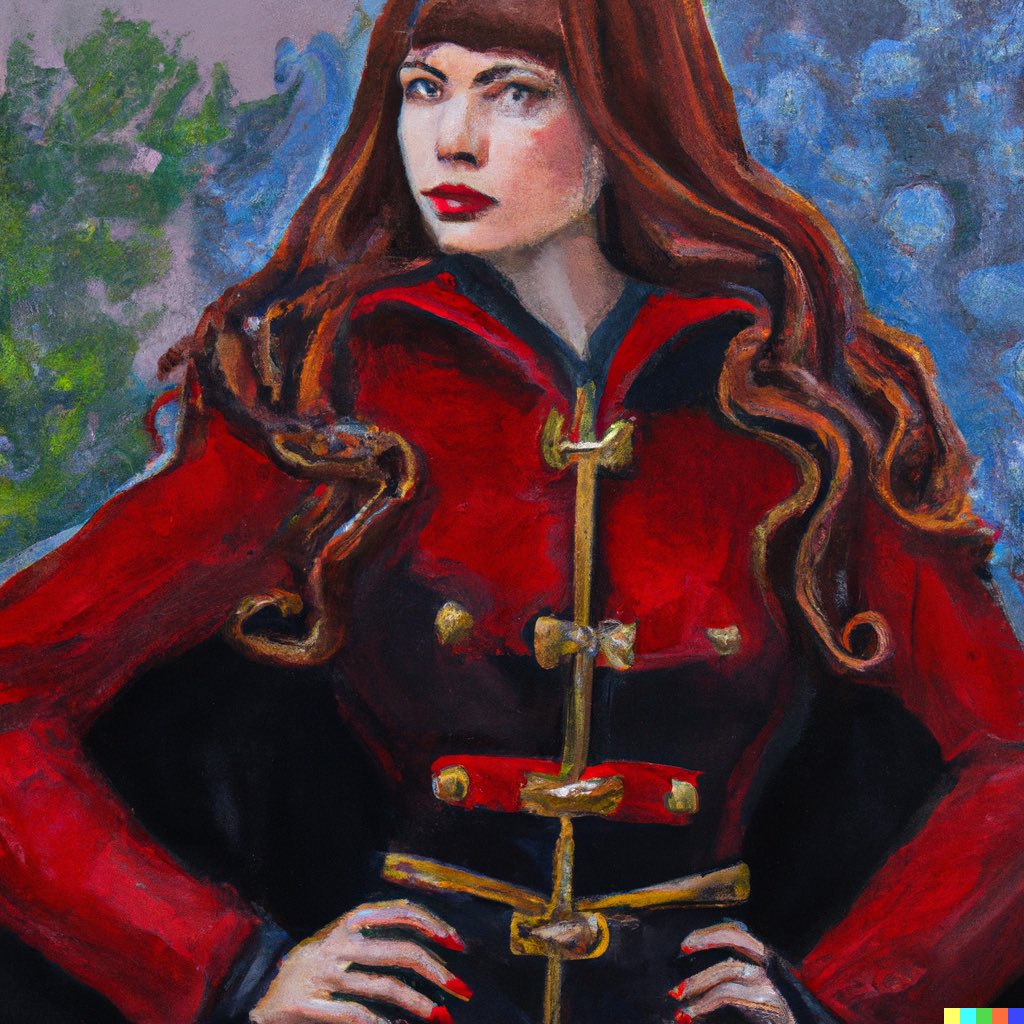


However, my favorite ones by far are the crazy funny creative ones


Learn more about DALL-E from this video.
Analytics 📈
Really happy that the openai plugin just broke 100 stars on github!
On top of that, I’ve gained around 30 newsletters to a total of 60 in about two weeks. I also gained about 220 followers. It feels like pretty good progress considering I had -1 followers last month!
Outro
I hope you enjoyed the newsletter! Next week I plan to talk more in-depth about using AI for notetaking using the latest next-generation database, AI, and NLP(Natural Language Processing) technology.
Check out the newsletter-roadmap to see what I have in mind for future issues. Let me k on Twitter @bsunter